Mobile check deposit for nonprofits

Deposit donor checks from anywhere with your phone’s camera. Fewer bank trips, faster funds visibility, and a workflow built for busy nonprofit teams. Mazlo helps you keep donations moving without the paperwork pileup.

Project checks, deposited where they belong

Guided capture helps you photograph the front and back of each check clearly in one quick step, and each project or program can submit those checks straight into its own account so balances stay separated without extra transfers. Your teams can deposit after events, from the office, or on the road, without routine trips to the branch.

Confidence, clarity, and control

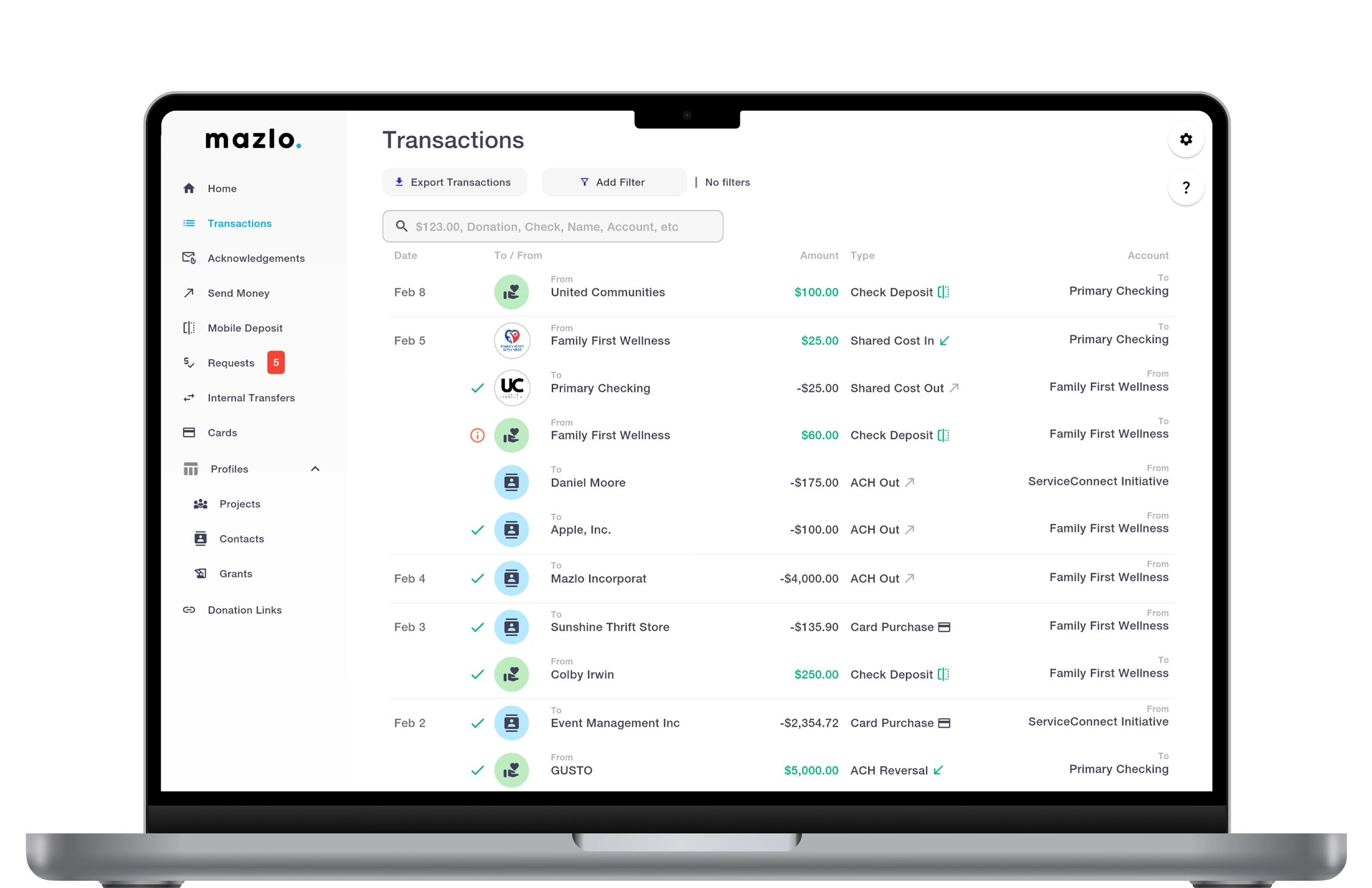
You can see that a deposit was submitted and follow its progress so finance and leadership stay aligned, and mobile deposits fit your workflows so checks map cleanly to campaigns, grants, or major donors.

Mazlo delivers an instant picture of where every dollar goes. Track donations, grants, and disbursements in real time while enforcing receipt requirements to keep every expense documented and compliant.

• Live project balance dashboards
• Transaction splitting across projects
• Receipt-required expense submissions
• Instant visibility into cash flow and funding

Nonprofit Mobile Check Deposit FAQ

When are mobile deposit funds available, and can deposits be returned?

Funds availability, holds, and review timelines depend on your banking program and the deposit's outcome after processing—similar to other remote deposit products. Some items may be delayed for verification or returned if they fail review; your finance team should treat submitted deposits as pending until they fully clear per your bank's rules.

Can I attach donor or accounting details to a mobile deposit?

Mazlo supports adding context that your finance team needs—such as linking a donor and carrying program or accounting metadata your workflow uses—so the deposit is easier to reconcile in reporting and audit trails, not just "money in, figure it out later."

Is Mazlo mobile check deposit secure?

Check images and deposit requests are handled through Mazlo's secure application flow and banking integration, with protections appropriate for sensitive financial data. Users should still follow your organization's policies—strong device security, private capture of check images, and prompt handling of physical checks after submission.

Who can use mobile check deposit in Mazlo?

Access is controlled by your organization's roles and permissions (mobile check deposit is a gated capability). Your admin can grant it to the staff or project leads who should be able to capture and submit checks, which helps balance speed at the edge of your mission with financial controls.

Can projects deposit checks into their own accounts in Mazlo?

Yes—deposits are tied to the financial unit you select, so a project team can submit checks into that project's account (or related sub-account structure your organization uses) instead of commingling funds. That supports cleaner restricted-use accounting and less manual reallocation.

How does mobile check deposit work in the Mazlo app?

The flow is designed as a short guided path: pick the receiving account (for example a project or sponsor financial unit), enter the deposit amount, add any required or optional details, capture clear images of the check, review, and submit. That structure helps reduce errors and keeps deposits aligned with the right books.


What is Mazlo mobile check deposit?

Mazlo mobile check deposit (remote deposit capture) lets approved users deposit paper checks using the Mazlo app: you choose where the deposit should post, enter the amount and supporting details, photograph the front and back of the check, and submit the deposit electronically—so nonprofits can process donor checks without a branch trip.

Ready to transform your finances?

Mazlo - Contact