Accounts Payable for Nonprofits

Beyond Bill Pay

For nonprofits and fiscal sponsors, "Bill Pay" isn't just about sending money. It’s about compliance, documentation, and fund integrity.

Mazlo’s Spend Request feature is the equivalent of a high-powered bill pay system, redesigned specifically to handle the rigors of 501(c)(3) fund accounting.
Header image
MAZLO SPEND REQUESTS

Save your team 40+ hours a month with Spend Requests

Submit spend requests in minutes
Standardize every request
Track statuses in real time
Standardize every request
Capture receipts and docs upfront
Approve and pay from one workflow

Flexible Bill Pay & Compliance-Ready Disbursements

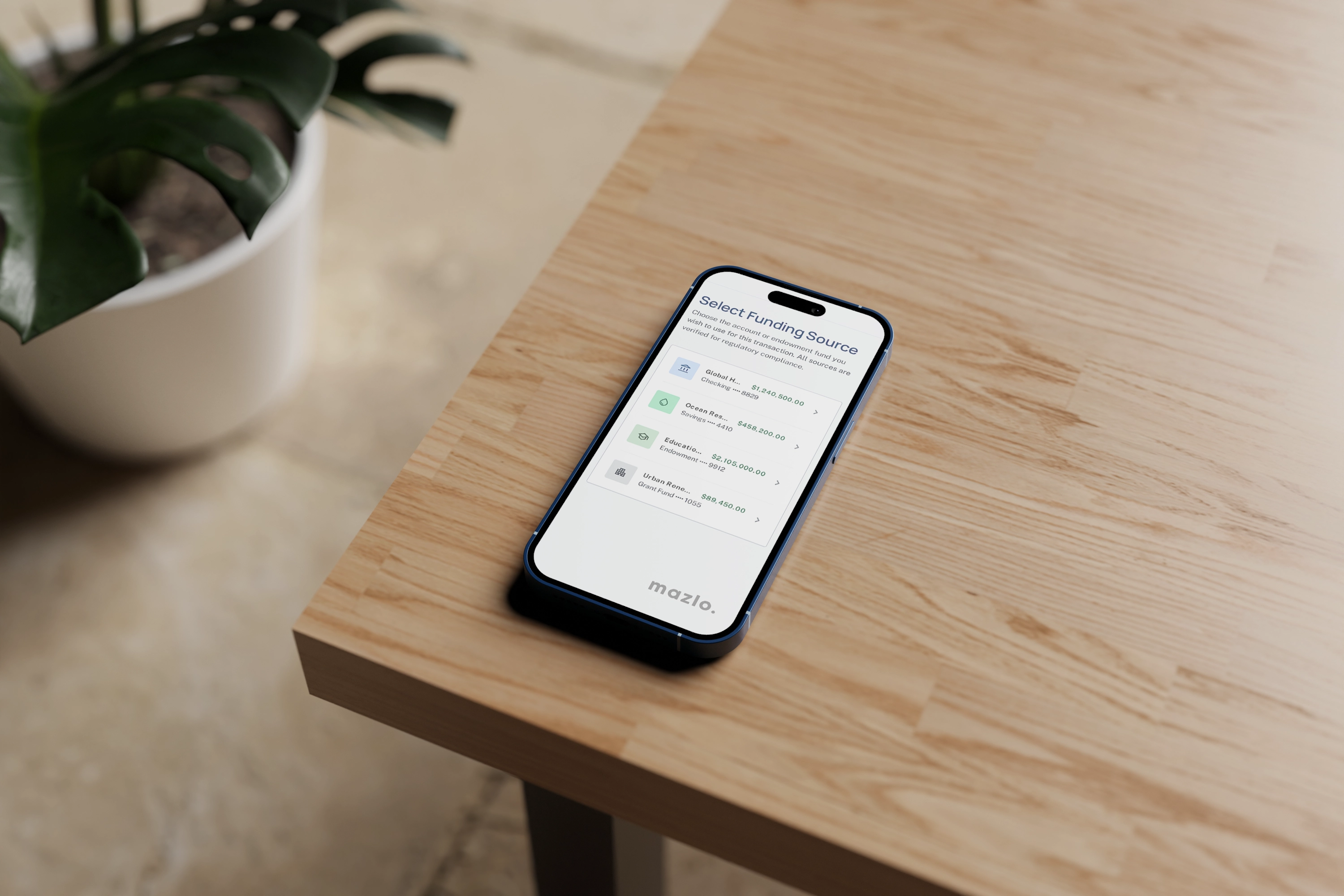
Unlike generic business bill pay, Mazlo’s Spend Requests are hard-wired to your project accounts. You’ll always know exactly how much "spendable" balance remains for a specific program before you approve a payment.

Real-Time expense categorization.

Capture reciepts for every purchase.

Keep your finance team focused on impact.

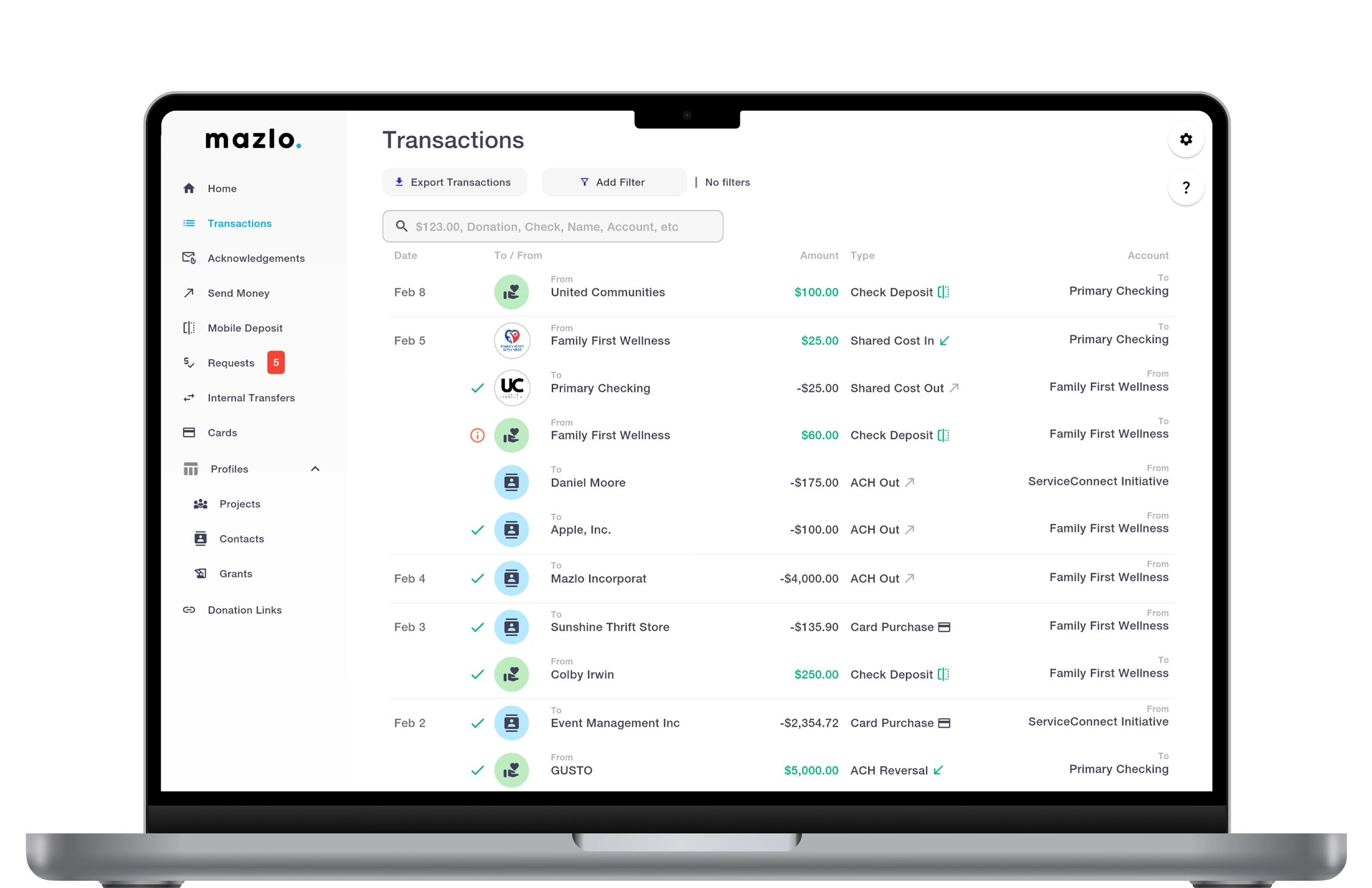
Track Expenses by Accounting Code

Granular Class & Fund Tagging.

Native Accounting Integrations.

Split-Transaction Capabilities.

How the Spend Request Workflow Works

Vendors, contractors, and team members submit spend requests through one place. Set your own intake rules so every request arrives review-ready, with the data, receipts, and codes you actually need.
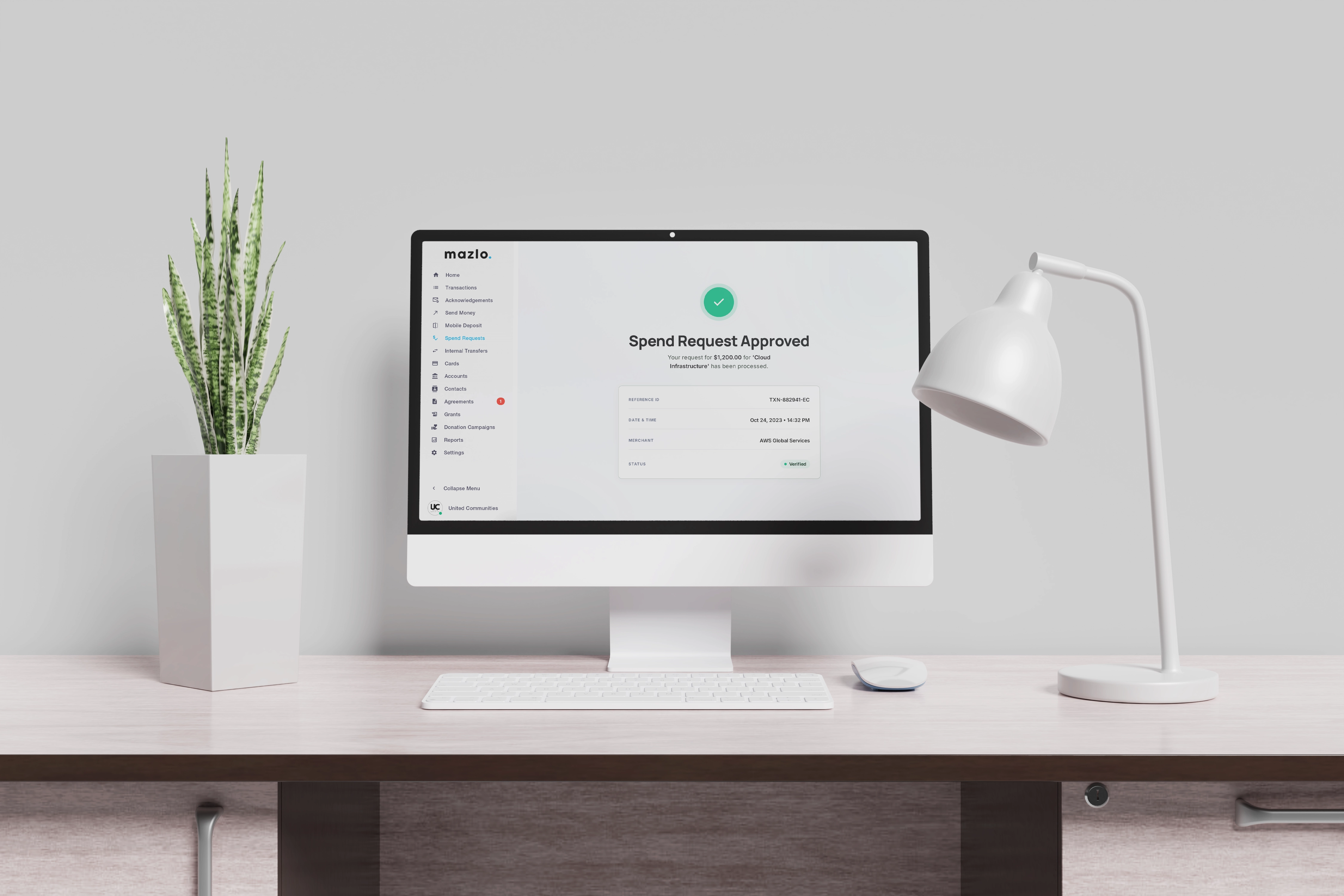
Your designated reviewers and payers approve or decline each request. Mazlo automatically checks it against vendor agreements, available balances, and accounting codes — so policy compliance is handled before money moves.
Once a request is paid, Mazlo attaches a complete audit log to the final transaction — every approval, document, and policy check captured against the payment for life.

Frequently Asked Questions

Do spend requests sync with my accounting software?

Yes. Once paid, each spend request creates a real transaction that can be exported into your accounting system (QuickBooks, Sage, etc.) with the project, fund, GL code, and supporting documentation already attached. Your accountants get coded, audit-ready transactions instead of raw bank-feed line items they have to reconcile by hand.

What gets captured in the audit log for each spend request?

Every spend request generates a complete, immutable audit log: who submitted it, what was attached, who reviewed and approved, when the payment cleared, and any notes added along the way. The log lives with the transaction permanently, so audits and reconciliations move dramatically faster.

What happens after a spend request is approved?

Once a reviewer authorizes the request, the payer can submit the payment via the appropriate rail (ACH, check, wire, debit card, or card on file) and attaches the full request history — submission details, documents, approvals, and policy checks — to the resulting transaction in your ledger.

Does Mazlo check spend requests against vendor agreements?

Yes. When a vendor has an agreement on file in Mazlo, every spend request to that vendor is automatically checked against the agreement's terms including agreement amount, validity period, and scope. If a request falls outside those terms, it's flagged for review, helping you catch duplicate payments and out-of-scope spend before they go out the door.

Can I set different approval rules for different projects or accounts?

Yes. Each Mazlo account can have its own reviewers, payers, approval thresholds, and intake rules. A small project might need one reviewer for any expense, while a larger program might require two approvers above a dollar threshold. Configure per-project policies without writing code or wiring up external workflow tools.

What documentation can I require with a spend request?

You define the intake rules: receipts, invoices, W-9s, vendor agreements, justifications, accounting codes, project tags — whatever you need. Mazlo enforces those requirements at submission, so requests can't be filed (or moved forward) until every required field and attachment is in place.

What policy checks does Mazlo run automatically?

Before any payment is released, Mazlo verifies the request against the rules you've set: available balance on the source account, valid accounting codes, active vendor agreements, receipt and supporting-document requirements, and any per-account spend limits. If something fails, the request is flagged for follow-up rather than silently approved.

How does the approval workflow work?

Once submitted, Mazlo routes the request to the reviewers and payers you've designated for that account. Reviewers approve or decline based on policy and documentation; payers then authorize the actual payment. You can configure multiple dollar thresholds, or skip stages for trusted users. The rules are yours to configure.

Who can submit a spend request?

Anyone you grant the appropriate permission: staff, project leads, contractors, or vendors. You decide who can initiate requests on each account, so a sponsored project leader can ask for funds without having direct payment authority, while finance keeps full control over what actually leaves the account.

What is a spend request in Mazlo?

A spend request is a structured way to ask for money to leave a Mazlo account. Whether that's paying a vendor, reimbursing a team member, or disbursing to a sponsored project. Each request captures the amount, payee, account, supporting documents, and accounting codes, then routes to your designated reviewers and payers before any money moves.

Ready to transform your finances?

Mazlo - Contact